
InterviewStorm vs Interview Sidekick
Interview Sidekick alternative: compare InterviewStorm and Interview Sidekick on price, free trial, screen share privacy, and coding help: $30 vs $80/mo.
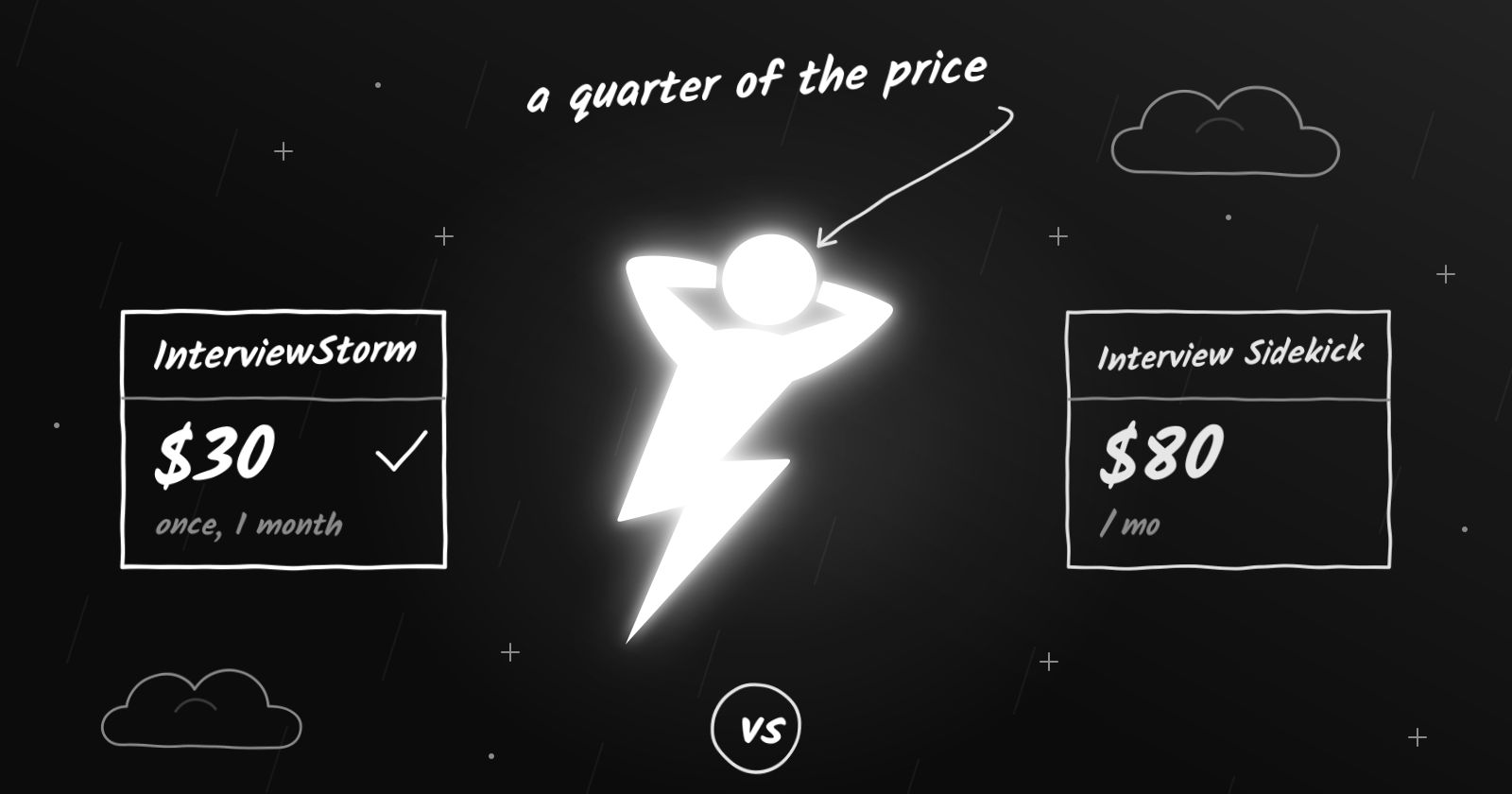
Short answer: Interview Sidekick and InterviewStorm both listen to your interview and show suggestions in real time. Interview Sidekick says its desktop app hides from screen share. In InterviewStorm’s desktop app, your suggestions stay on your own display, like speaker notes in a presentation; they are not part of the screen you share. Interview Sidekick has more practice tools. InterviewStorm costs much less: $30, a one-time payment for a month of unlimited use, compared with $80 a month.
At a glance
| InterviewStorm | Interview Sidekick | |
|---|---|---|
| Monthly plan | $30 one-time for a month, unlimited | $80 (with a 50% discount code always shown) |
| Yearly plan | No subscription: buy another month for $30 only when you need it | Not offered |
| One week | Not offered | $50 |
| Free option | 20-minute free trial, no card | 2-minute test of the live assistant |
| Screen share privacy | Yes, in the desktop app: suggestions stay on your display | Yes, Interview Sidekick says its desktop app hides from screen share |
| Coding interview help | Yes | Yes |
| Answers from your resume | Yes | Yes |
| Platforms | Windows, macOS, web | Windows, macOS, Chrome, phone browser |
Interview Sidekick prices checked on their website in October 2026. Prices can change, so check their site before you buy.
Where Interview Sidekick is strong
- Practice tools: mock interviews and a large question bank.
- Lower prices in some countries, including India, where it charges in rupees.
- Extra use cases such as visa and admission interviews.
Where InterviewStorm is different
- Less than half the price for a month: $30 one-time compared with $80.
- A longer free test: 20 free minutes in real calls with every feature on, compared with 2 minutes.
- No subscription. Nothing renews automatically, so there is nothing to cancel. Buy another month only if you need it.
- Built for every round: live transcription, coding, system design, and STAR answers from your resume. See all features.
Which one should you choose?
- Choose Interview Sidekick if you want lots of practice tools in the same app, or you only need one week.
- Choose InterviewStorm if you want unlimited live help for a full month at less than half the price.
A cheaper Interview Sidekick alternative
Many people land here after searching for an Interview Sidekick alternative that costs less. InterviewStorm gives a month of unlimited live interview help for $30, paid once, with no subscription. Start with a free 20-minute trial in a real call, with no credit card, and keep it only if it works on your setup.
Follow each employer’s interview rules. Do not use InterviewStorm in proctored tests, exams, or anywhere AI help is not allowed.
Try InterviewStorm Free See Pricing