One-Way Video Interview Tips: HireVue, Spark Hire, and More
- Andrew C. Lewis
- 16 Oct, 2026
- 05 Mins read
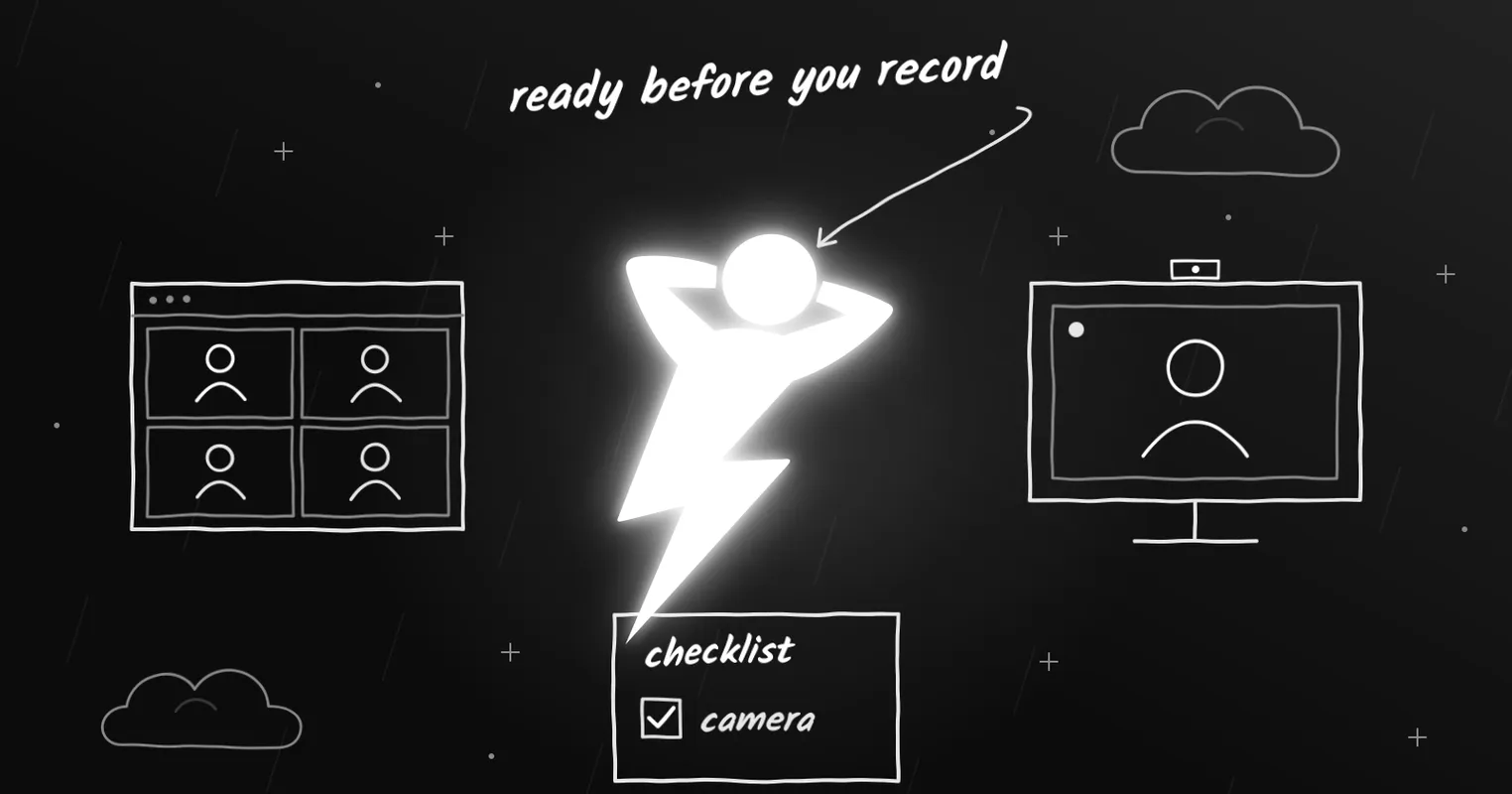
A one-way video interview (also called a pre-recorded or on-demand interview) is a set of questions you answer on camera with nobody on the call. The key tips: read the rules screen for thinking time and retakes, use the practice question, prepare five or six short stories, keep a one-page note near your camera, and answer each question in about 60 to 90 seconds. Timing and retakes are set by each employer, not by the platform, so always check the first screen.
How a one-way interview works
You get an email with a link and a deadline, often a few days. When you open it:
- You test your camera and microphone.
- You may get a practice question. It is usually not sent to the employer.
- Each real question appears as text or a short video.
- A timer gives you thinking time, then recording starts.
- You answer until you finish or the time runs out.
- If retakes are allowed, you can record again. Otherwise the answer is saved.
Later, a recruiter or hiring manager watches the recordings. Some employers also use AI scoring. If that is your case, read how to pass an AI interview.
Tips by platform
Each platform lets the employer change the settings. The numbers below are what each vendor describes on its own site. Your invitation is the final word.
HireVue
- Timing: HireVue’s candidate guide describes 30 seconds to prepare for each question and up to 3 minutes to answer.
- Practice: You get a practice question that works like the real ones. HireVue’s guide says you can do more than one practice question until you feel comfortable.
- Retakes: It depends on the employer. Do not count on them.
- Notes: HireVue’s own interview tips page suggests keeping notes nearby with short stories about challenges you faced, what you did, and the results.
Some HireVue employers also use game-based or coding assessments. Those have their own rules. Our HireVue interview assistant page has more on preparing for the platform.
Spark Hire
- Timing: Spark Hire’s preparation guide says answers usually have a limit of 1 to 3 minutes. It also says some questions have unlimited thinking time, as long as you submit by the deadline.
- Retakes: The recruiter sets the number of takes, and it can differ by question.
- Practice: Spark Hire lets candidates record practice videos before the real questions.
VidCruiter
- Timing and retakes: VidCruiter’s pre-recorded interview page says recruiters set thinking time, recording time, and the number of attempts for each question.
- Accommodations: VidCruiter’s accessibility guidance suggests employers offer more attempts and longer preparation time. If you need an accommodation, ask the recruiter before you start.
- Deadline: employers choose how long the link stays open. Note the date the day you get the email.
Willo
- Timing: Willo’s candidate tips say answers usually run from 60 seconds to 2 minutes, with 30 to 60 seconds of preparation time.
- Retakes: One or more takes, depending on the employer’s settings.
- Tip from Willo: jot down two or three bullet points during the preparation time.
How to use the thinking time
Thirty seconds goes fast. Use a fixed routine so you do not waste it:
- Read the full question (5 seconds). Check if it has two parts.
- Pick the story (10 seconds). Look at your one-page note and choose the closest match.
- Pick the result (5 seconds). Know how your story ends before you start.
- Plan your first sentence (10 seconds). A one-line summary works well: “Yes, I led a project that was behind schedule, and we shipped on time.”
If the platform gives you unlimited thinking time, still keep it short. Reviewers cannot see the pause, but a long gap may break your focus.
The one-page note
A one-page note is a single sheet with short prompts, not full answers. Reading a script on camera looks stiff, and your eyes move in a way reviewers notice. Keywords are enough to jog your memory.
What to put on it:
- Your 30-second intro: current role, one strength, why this job. Three bullet points.
- Five or six story titles with the result for each. Example: “Late vendor launch: shipped 2 days early.”
- Three facts about the company you want to mention.
- Two numbers from your work you want to remember.
- One reminder line: “Slow down. Smile. Look at the lens.”
Where to put it: tape it just below or beside your camera, at eye level. That way a quick glance keeps your eyes near the lens. More on placement in our article on using notes during a video interview.
To build the stories, use our free STAR Method Answer Builder. STAR stands for Situation, Task, Action, Result, and it is the structure most reviewers expect for “tell me about a time” questions. Our STAR method guide has worked examples.
What reviewers look for
A one-way interview is usually a first screen. Reviewers often watch many recordings in a row. They tend to look for:
- A direct answer. Did you answer the question that was asked?
- A real example. Specific stories beat general claims.
- A clear result. What changed because of you?
- Fit with the role. Did you mention skills from the job ad?
- Clear communication. Can they hear and understand you?
- Effort. A tidy background, decent light, and proper dress show you took it seriously.
HireVue’s tips page adds that employers like hearing about learning ability, problem solving, dependability, and teamwork.
Setup checklist
- Laptop on a stable surface, camera at eye level.
- Light in front of you, not behind.
- Headphones with a microphone for clear audio.
- Quiet room, door closed, phone on silent.
- Browser the platform recommends, other video apps closed.
- Your one-page note taped near the camera.
- Start at least a day before the deadline, in case of tech problems.
Our video interview setup checklist covers the details.
Common mistakes
- Starting at the last minute. If the link fails, you have no time to contact support.
- Skipping the practice question. It is your free test of audio and framing.
- Rambling to fill the time. Three minutes is a limit, not a target.
- Reading off the screen. Keep notes short so you speak, not recite.
- Ending with “um, yeah”. Close with your result and stop.
Where InterviewStorm fits
InterviewStorm is an AI interview assistant for live video calls. It listens, writes down the question with live transcription, and suggests talking points from your resume, so you answer in your own words.
For one-way interviews, the right use is practice before you open the link. Read sample questions aloud and use the suggestions to check your stories: is there a clear result, and does it match the job? Do not run it during the recorded interview unless the employer clearly allows AI help.
Follow each employer’s interview rules. Do not use InterviewStorm in proctored tests, exams, or anywhere AI help is not allowed.
Unlimited is $30, a one-time payment for a month of unlimited use (no subscription), with a free 20-minute trial (up to 15 minutes per session) and no credit card. See pricing.
FAQ
Can I redo an answer in a one-way video interview?
Only if the employer allows retakes. HireVue, Spark Hire, VidCruiter, and Willo all let employers set this. Check the rules screen before the first question and treat each take as final.
How long should a one-way interview answer be?
Aim for 60 to 90 seconds on most questions. Stay inside the time limit, which is often between one and three minutes.
Can I use notes in a pre-recorded interview?
Usually yes, as long as they are short prompts and the employer has not said otherwise. HireVue itself suggests keeping notes nearby. Avoid reading full answers.
What if my internet drops during the recording?
Contact the recruiter and the platform’s support right away, with the time and a screenshot if you can. Many employers can reset a question. This is one more reason not to start right before the deadline.
Is a one-way interview scored by AI?
Sometimes. Some employers have people watch every video; others add AI scoring. If the invitation mentions AI, read how to pass an AI interview.
Share Articles:
Similar Posts